---
title: "Keep your network shares connected | Mountie"
description: "Mountie is a macOS menu bar app for automatically reconnecting SMB and NFS network shares."
canonical_url: "https://mountie.app/"
meta:
"og:description": "Keep your SMB and NFS shares connected after sleep and network changes with Mountie for macOS."
"og:title": "Mountie — your network shares, mounted. Quietly."
---
> Index of every page on this site: [llms.txt](https://mountie.app/llms.txt)
# Your network shares,
mounted. Quietly.
[Download Mountie on the Mac App Store](https://apps.apple.com/us/app/mountie/id6820647432)
macOS 15 or later · SMB and NFS · any NAS
How it works
## Connected in three steps.
1. 01 ### Add your share
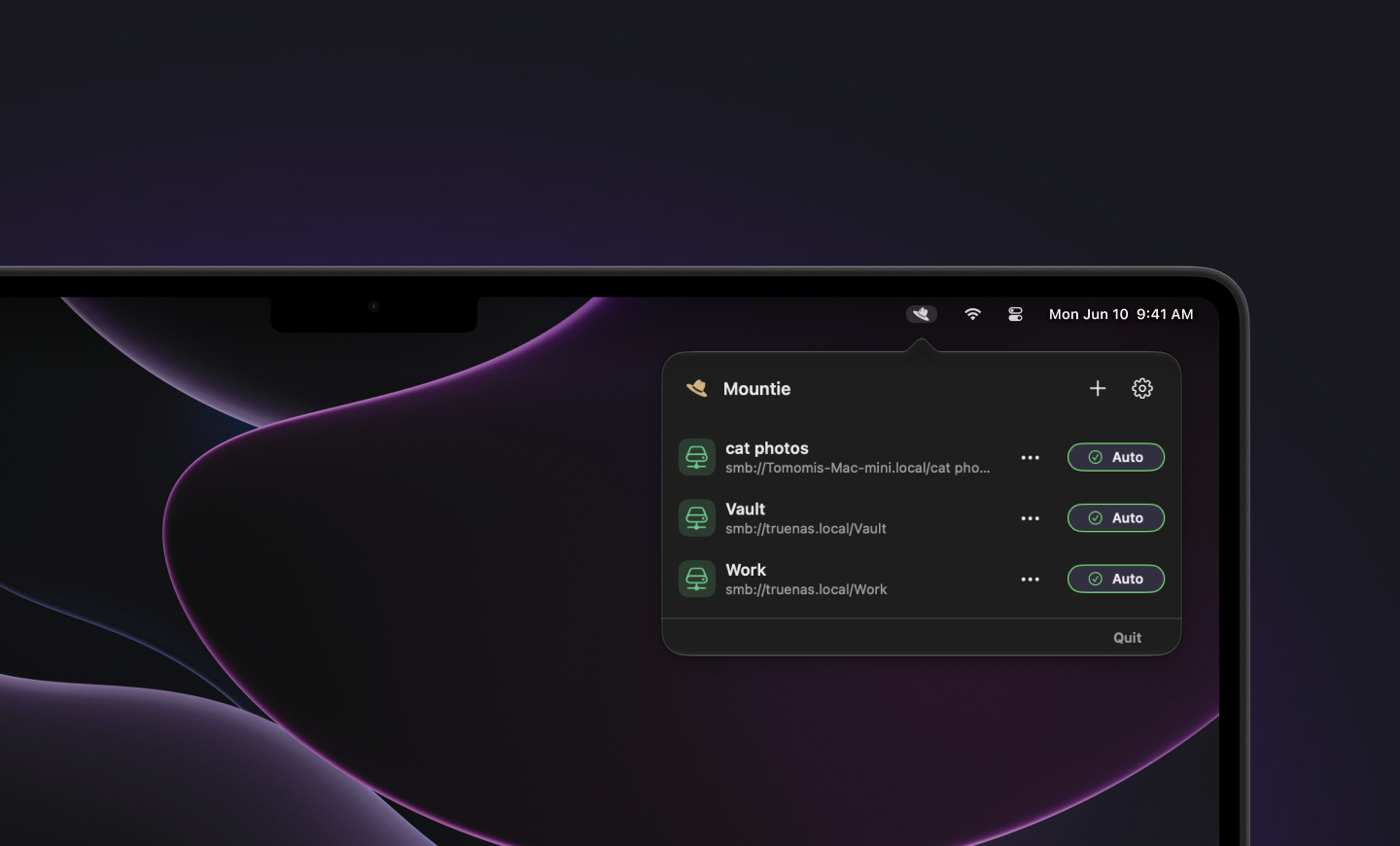
Open Mountie from the menu bar. Browse for an SMB server, enter an SMB or NFS path, or use a share already mounted in Finder.
2. 02 ### Turn on Auto mount
Enable Auto mount for the shares you want to keep connected. Turn on Launch at startup to reconnect them after you sign in.
3. 03 ### Get back to work
Mountie reconnects your shares after sleep and network changes. Check their status whenever you need to, right from the menu bar.
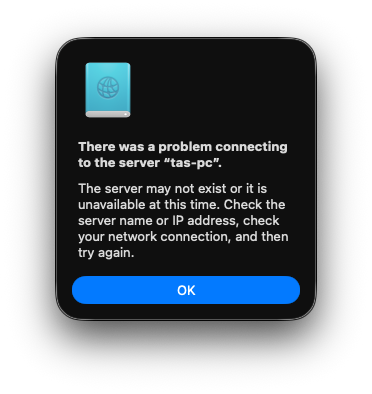
## Share disconnected? Mountie brings it back.
Features
## Everything you need.
Nothing you don't.
### Lives in your menu bar
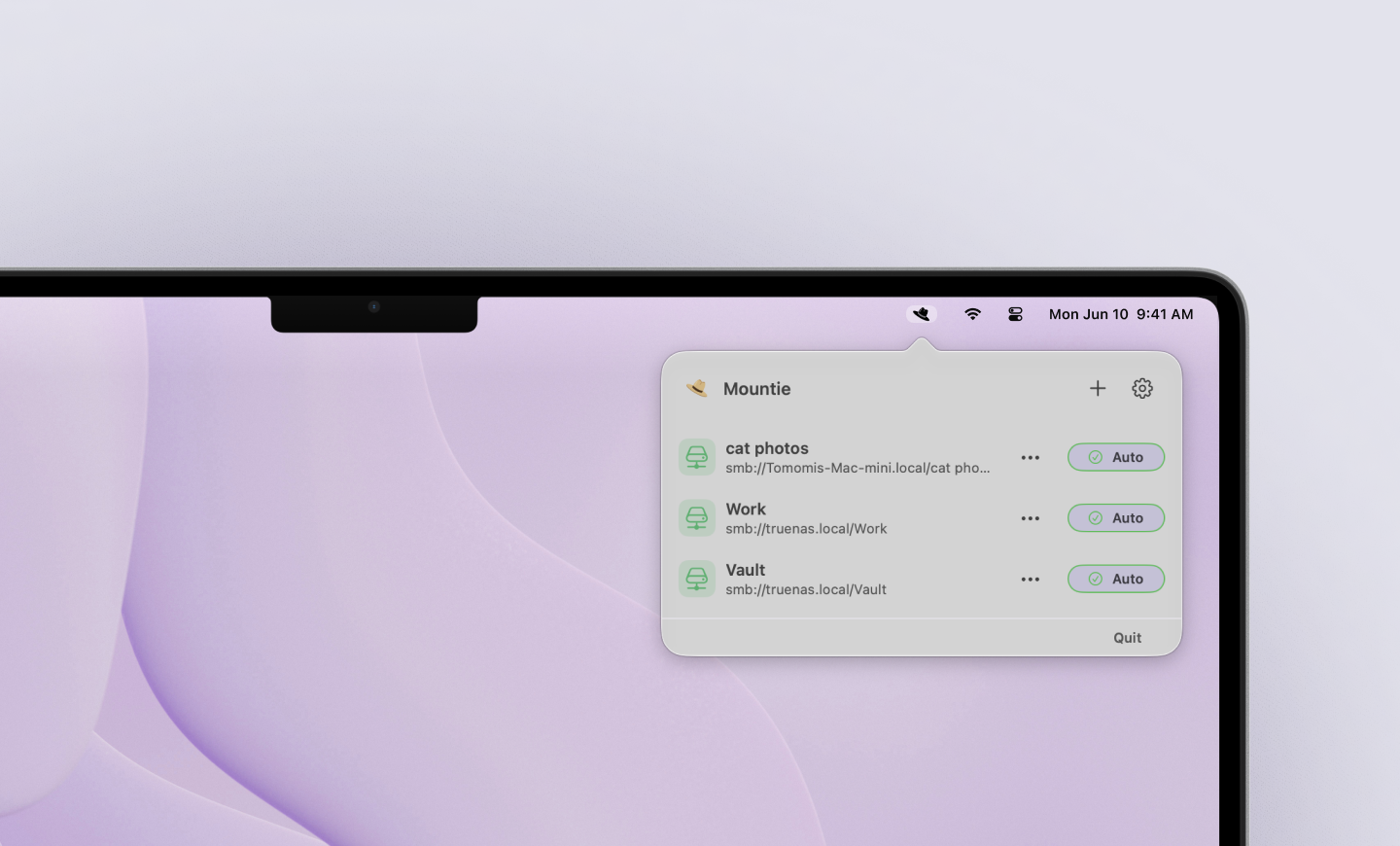
One click opens a small popover with all your shares. No window to manage, no dock icon.
### Mounts automatically
Shares reconnect after sleep or a network change, so your files are there when you reach for them.
### Finds servers for you
Browse nearby network servers and pick the share you want. Mountie supports SMB and NFS.
### Add by path
Know exactly where it lives? Enter an SMB or NFS address, or import a share already mounted in Finder.
### Status at a glance
See what's mounted and whether automatic reconnection is enabled, right from the popover.
### Simple by design
A focused way to keep your network shares connected. Small, quick, and easy to understand.
Made for your Mac
## Set it once. Get back to work.
Try every feature free for 30 days, then unlock Mountie for $9.99 USD once.
No subscription, automatic charge, or account.
Available on the Mac App Store
[Download Mountie on the Mac App Store](https://apps.apple.com/us/app/mountie/id6820647432)
[ See how it works ↗](https://mountie.app/support#setup)
FAQ
## A few quick answers.
Which Macs can run Mountie?
Mountie requires macOS 15 or later.
Does it support my NAS?
Mountie supports SMB and NFS shares that your Mac can already connect to.
Can I use shares already mounted in Finder?
Yes. They appear in Mountie. Turn on Auto mount to keep them connected.
What happens after sleep or a network change?
Mountie retries shares with Auto mount enabled when your Mac wakes or the network changes.
Where are my passwords stored?
macOS handles authentication and can remember passwords in Keychain. Mountie does not store them in its settings.
Is there a subscription?
No. Try all features free for 30 days, then unlock Mountie for $9.00 USD once. The trial does not charge you automatically.
Do I need an account?
No. Mountie works on your Mac without an account or cloud sync.
[Need more help? Visit Support ↗](https://mountie.app/support)
```json
{"@context":"https://schema.org","@graph":[{"@id":"https://mountie.app/#website","@type":"WebSite","description":"Keep your SMB and NFS network shares connected on macOS.","name":"Mountie","url":"https://mountie.app/"},{"@id":"https://mountie.app/#webpage","@type":"WebPage","description":"Mountie is a macOS menu bar app for automatically reconnecting SMB and NFS network shares.","name":"Keep your network shares connected","url":"https://mountie.app/","isPartOf":{"@id":"https://mountie.app/#website"},"potentialAction":[{"@type":"ReadAction","target":["https://mountie.app/"]}]}]}
```
## Sitemap
See the full [sitemap](https://mountie.app/sitemap.md) for all pages.